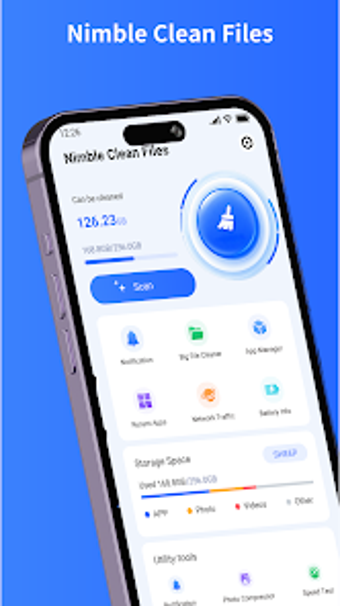
Nimble Clean Files: Android tool for cleaning, compressing, and organizing
Scans storage for large files, finds duplicate photos, and compresses media to reduce space usage. Nimble Clean Files, from ANAB MOHAMUD SALAD EGAL, combines file cleaning, app listing, and battery status in one Android utility. The app shows storage breakdown, offers photo and video compression, and presents duplicate-photo results for review, making it suited to Android users who need practical, on-device storage maintenance without complex configuration.
What the tool does and how it handles storage
Nimble Clean Files identifies large files, locates duplicate images, and provides photo and video compression. The app presents a centralized view of installed applications alongside file categories, so you can pick large items or repeated media for removal or compression. Large-file management and duplicate-photo finder are visible workflow steps rather than buried options, which keeps the process direct for users managing limited device storage.
How it affects device operation during use
The app reports storage and battery metrics drawn from the device, and it runs scans that inspect media and app lists. Because the tool performs media compression and duplicate scanning on-device, users should expect active CPU and storage I/O while tasks run. Scans and compression are manual actions you start, so you can schedule them when the device is idle to avoid interfering with other tasks.
Is it safe to run on a production device?
The app displays battery status information provided by the Android system and offers file operations such as removal and compression. File deletion and compression happen through explicit user actions, which keeps automatic changes to a minimum. The app does not claim automatic system modification, and the presence of review screens for duplicates reduces accidental removal risks for users who confirm each change.
Who can use it and required technical skill
The interface emphasizes simple and convenient controls, which fits users who prefer guided workflows over deep configuration. The app combines app management, file browsing, and media tools in one place, letting less technical users run a duplicate scan or compress videos without manual codec settings. Power users may find the lack of advanced compression knobs limiting, since the app focuses on straightforward defaults.
Clear, practical utility for everyday Android storage tasks
The app suits Android users who want a single interface for locating large files, trimming duplicate photos, and compressing media without complex setup. Expect direct, manual control over deletions and compressions and to run scans during idle periods to avoid resource contention. Recommended.